
If your High Octane Hosting plan includes email accounts, you can check your email from any modern browser by using High Octane Hosting Mail. This is helpful when you are away from your main computer, setting up a new device, or cannot find the email section inside your hosting dashboard.
What you need before you log in
- Your full email address, such as
name@yourdomain.com. - The password for that email account.
- An active hosting service that includes email access.
Important: Use the full email address as the username. Do not use only the first part before the @ symbol.
Step 1: Open the mail page
Visit https://mail.highoctanehosting.com/. This page shows the webmail link and the settings you can use if you want to add the mailbox to Apple Mail, Outlook, Thunderbird, or a mobile device.
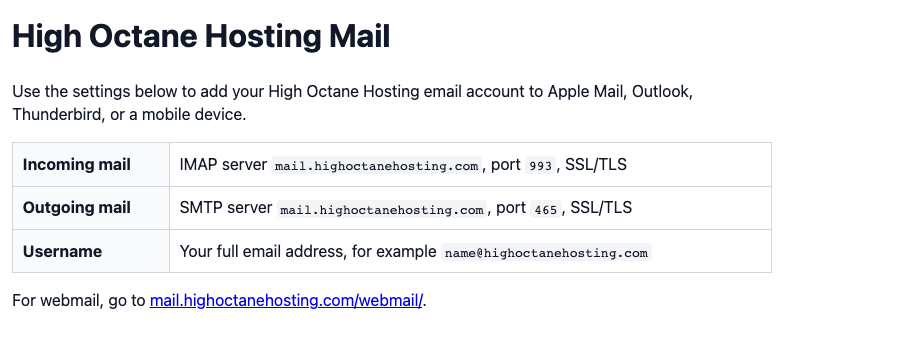 High Octane Hosting Mail shows the webmail link and the recommended mail app settings.
Step 2: Open webmail
Click the webmail link on the mail page, or go directly to https://mail.highoctanehosting.com/webmail/.
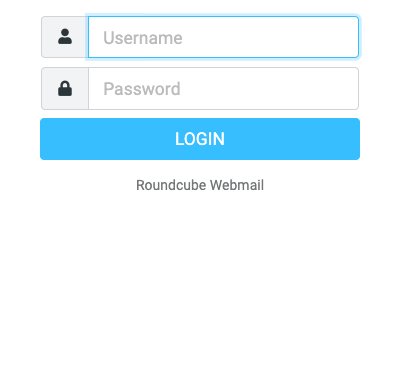 Enter your full email address and the mailbox password.
Step 3: Log in with your mailbox
- Enter your full email address in the username field.
- Enter the password for that mailbox.
- Select Login.
After you log in, you can read messages, compose new messages, reply, forward, delete, and manage basic mailbox settings.
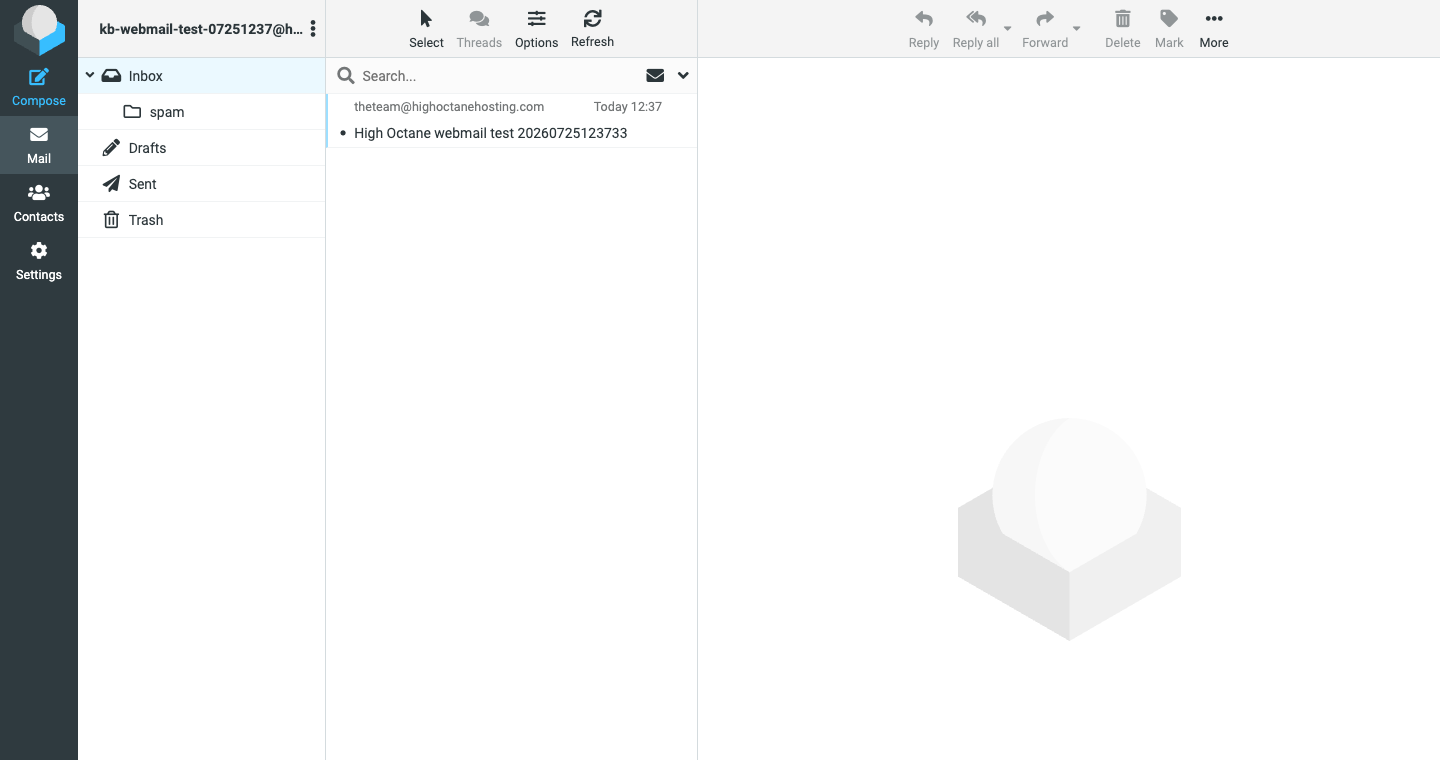 The Inbox view shows your messages and the main webmail tools.
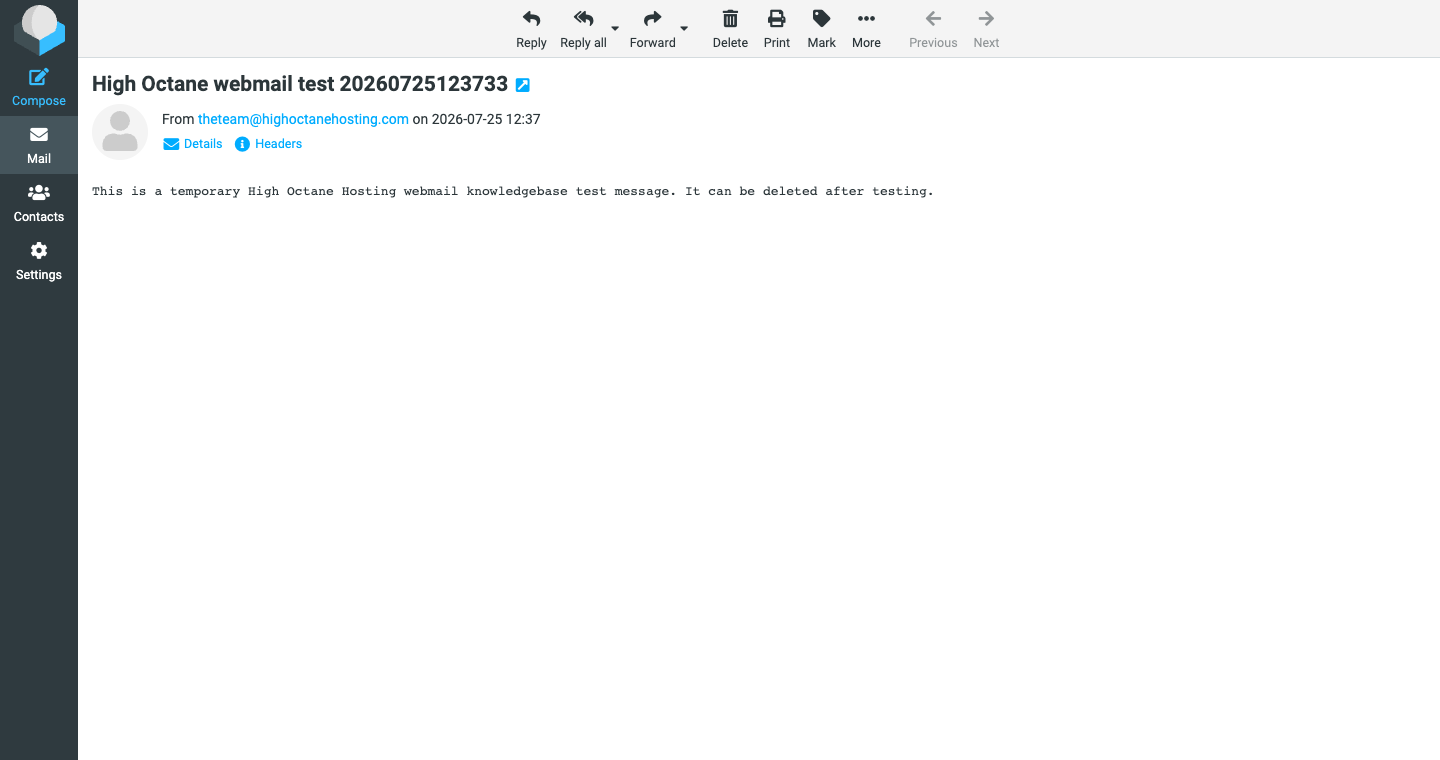 Open a message to read, reply, forward, print, or delete it.
Short walkthrough video
The video below shows the basic flow: open the mail page, go to webmail, log in, open the inbox, and read a message.
Your browser does not support embedded video. You can open the walkthrough here: webmail walkthrough video.Mail app settings
If you prefer Apple Mail, Outlook, Thunderbird, or a phone mail app, use these settings:
| Incoming mail | IMAP server mail.highoctanehosting.com, port 993, SSL/TLS |
|---|---|
| Outgoing mail | SMTP server mail.highoctanehosting.com, port 465, SSL/TLS |
| Username | Your full email address, such as name@yourdomain.com |
| Password | The password for that mailbox |
If you do not see email options in your dashboard
You can still try the direct webmail link: https://mail.highoctanehosting.com/webmail/. If you need to create, remove, or reset a mailbox and do not see the email tools in your hosting dashboard, open a support ticket and tell us the domain name and mailbox you need help with.
Troubleshooting
- Login fails: Confirm you are using the full email address and the mailbox password.
- Password is unknown: Reset the mailbox password from your hosting dashboard, or open a ticket and we can help.
- Mailbox does not exist: Create the mailbox first or ask support to create it for you.
- Mail app will not send: Make sure SMTP authentication is enabled and use port
465with SSL/TLS. - Service is suspended or expired: Email access may stop until the hosting service is active again.
Need help?
Open a support ticket from the High Octane Hosting client area. Include the domain name, the email address you are trying to access, the device or browser you are using, and a screenshot of any error message.
